
Why Choose Our Streaming Solutions
Reach People Everywhere
Share your service, meeting, or event with anyone, anywhere. Stream live, record for later, and publish with captions so no one misses out.
Hybrid‑Ready by Design
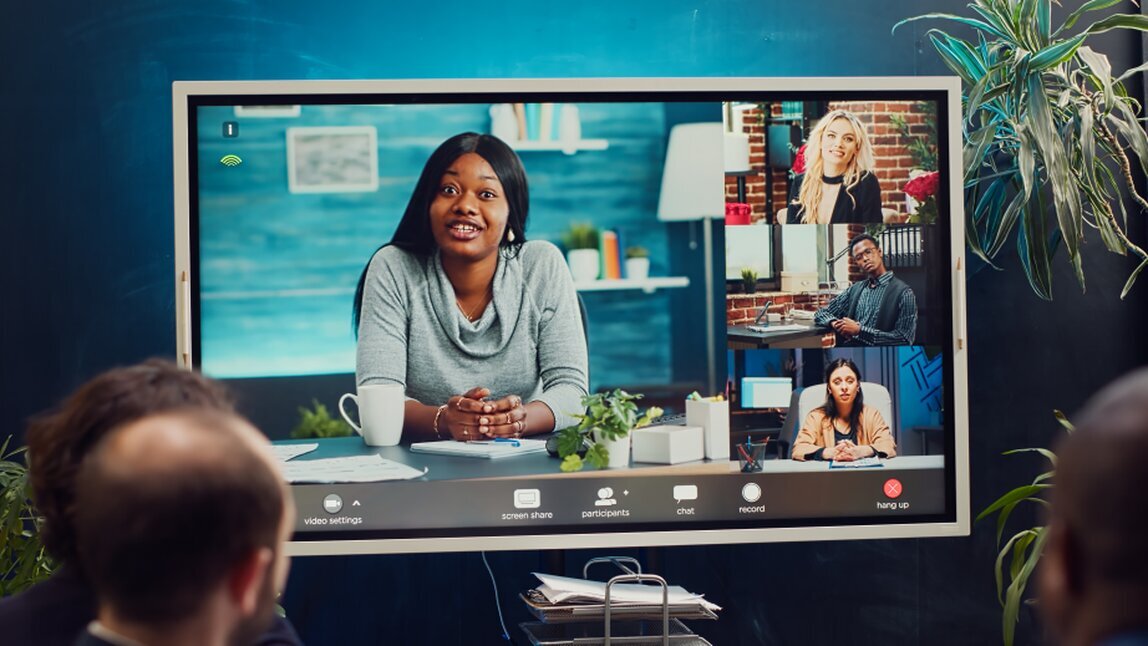
Connect in‑room sound with remote participants for smooth, natural interaction. Perfect for prayer meetings, training sessions, and community events.
Clear, Accessible Audio
We prioritise speech clarity so hard‑of‑hearing viewers can follow every word. Your online audience deserves the same quality as those in the room.
Simple to Use
Scene presets, one‑button start/stop, and intuitive controls mean anyone on your team can run the system confidently—no technical background required.
What We Build Into Every System
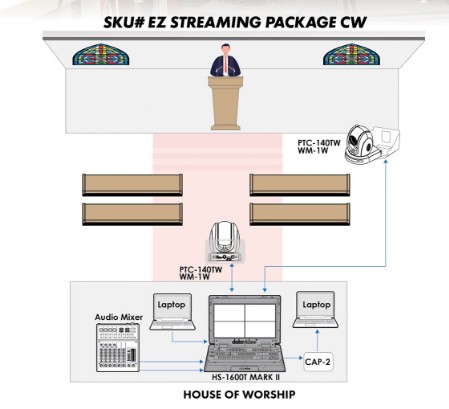
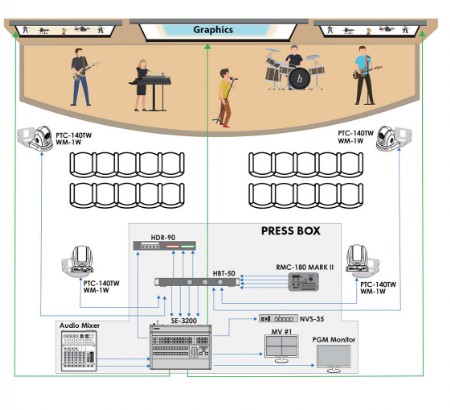
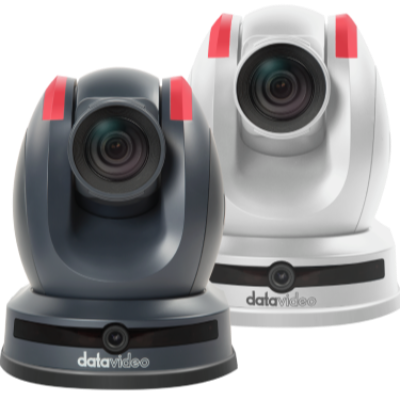
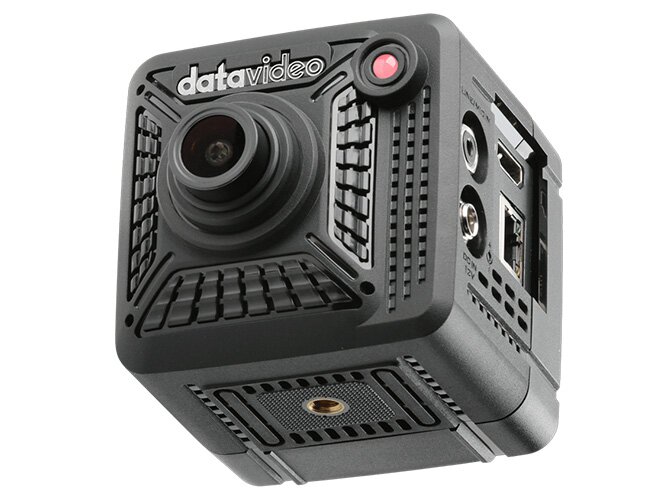
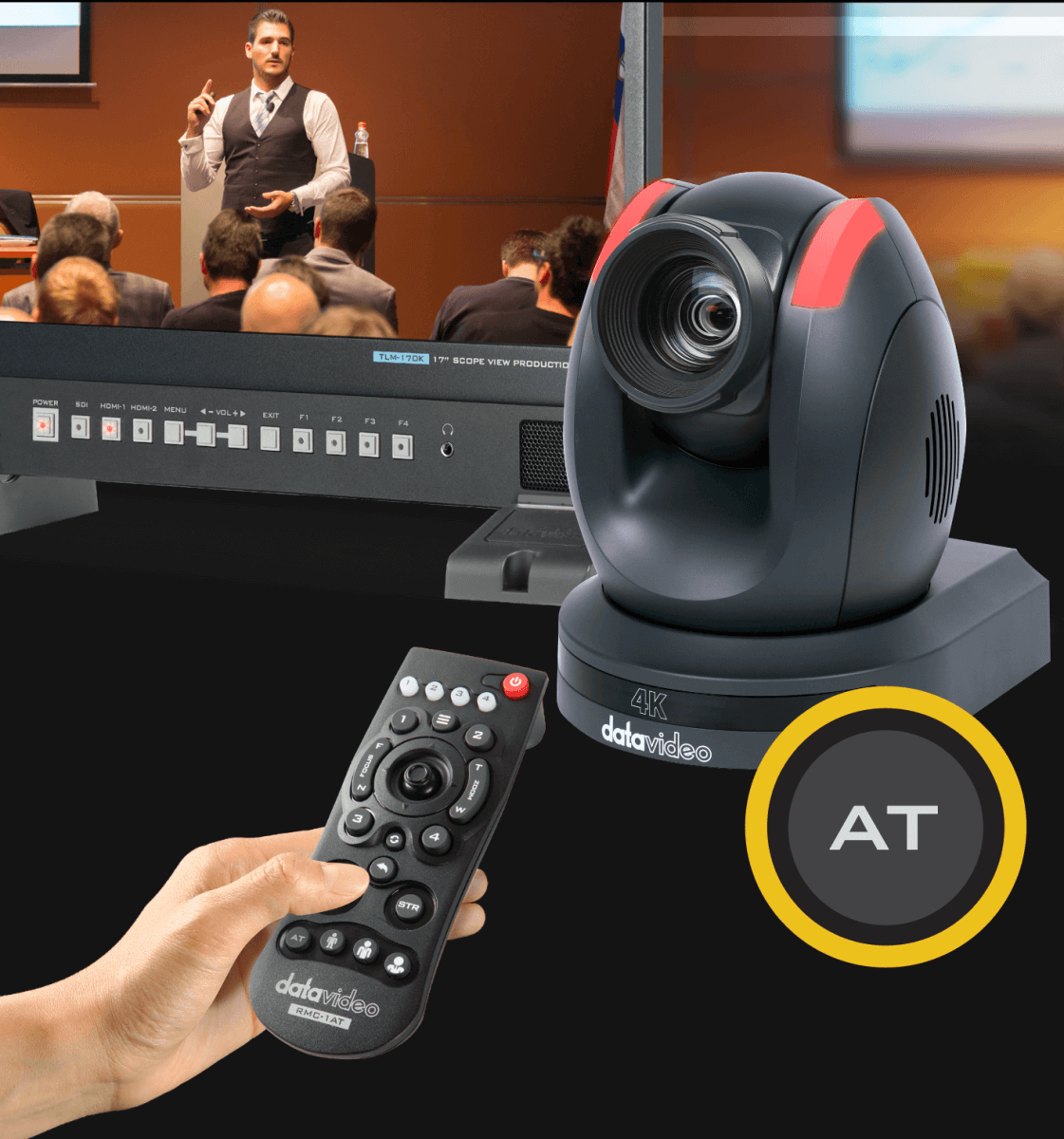
• PTZ cameras for flexible, discreet multi‑angle coverage
• Vision mixers for smooth transitions and professional presentation
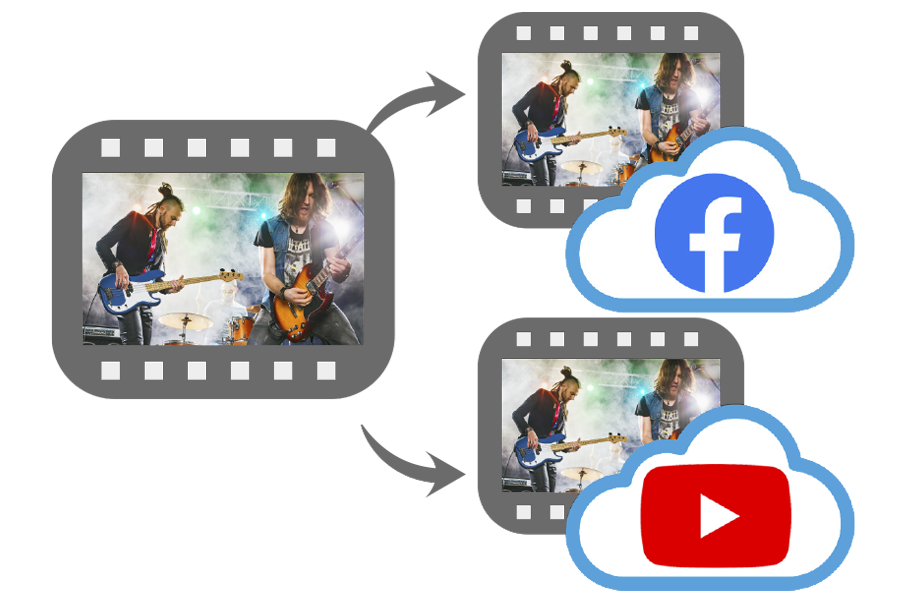
• Reliable encoders for stable streaming to YouTube, Facebook Live, and more
• Clean audio feeds from your existing PA system
• Recording options for archiving or later upload
• Caption‑ready workflows for accessibility and engagement
• Remote participant integration for hybrid meetings
• User‑friendly controls tailored to your team
Designed Around Your Space
Every venue is different. We assess your room, lighting, acoustics, and existing equipment to design a system that fits your needs and budget.
Whether you’re upgrading a church, conference room, hall, or community centre, we create a setup that works seamlessly week after week.
Installation, Training & Ongoing Support
We don’t just install equipment—we make sure your team feels confident using it.
You’ll receive:
• On‑site installation and testing
• Hands‑on training for your volunteers or staff
• Clear documentation and preset layouts
• Ongoing support when you need it
Ready to Improve Your Streaming?
If you want your livestreams to look professional, sound clear, and be easy for your team to run, we’d love to help.
Get in touch to book a site visit or request a quote.
Audio Integration
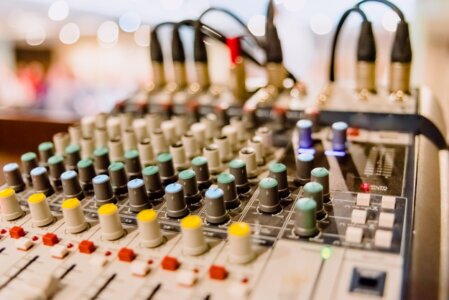
Clear audio makes the stream. We take a clean feed from your PA or supply a compact mixer/interface where needed. We set headroom, manage gain staging and apply appropriate processing for online speech intelligibility.
- Line‑level or USB audio from existing mixers
- Balanced cabling to avoid hum and buzz
- Limiter to prevent clipping, no aggressive AGC
- Audience mics optionally mixed for ambience
Network & Reliability
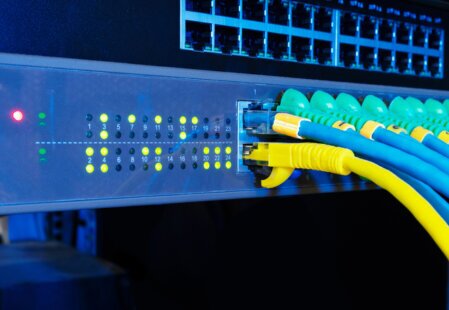
Your stream is only as good as the network. We design for stable bandwidth and resilience with wired connections as standard.
- Cat6/SDI cabling and neat cable management
- QoS and VLAN options with your IT team
- UPS and safe shutdown for outages
- Dual recording and optional backup stream
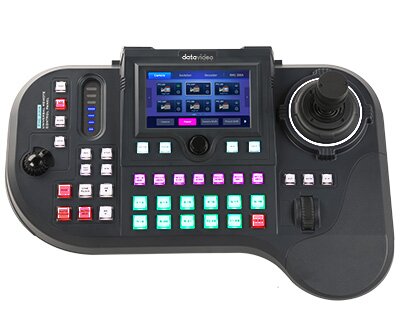
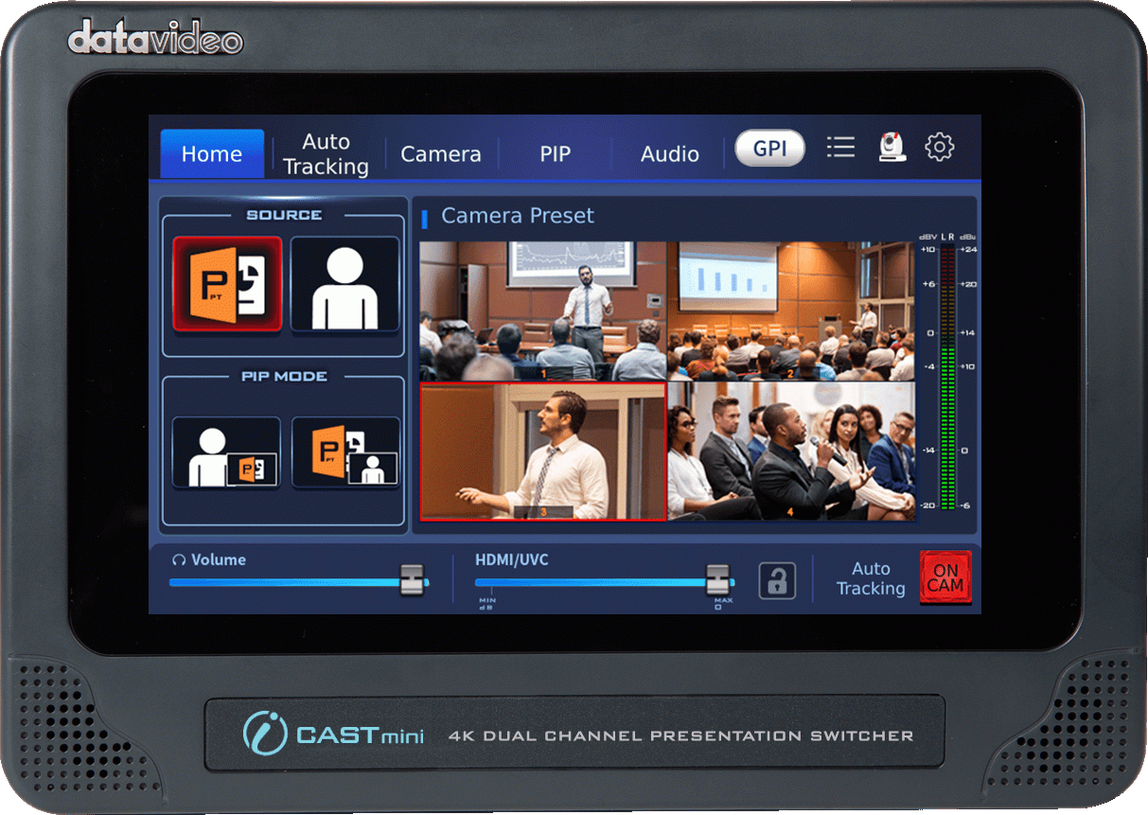
We keep complex systems simple. Operators select scenes and levels from a labelled control surface and follow a short run‑sheet.
- Touchscreen presets for fast camera moves
- One‑button start/stop with confidence monitor
- Printed quick‑start and full handover documentation
- Onsite training and remote support options
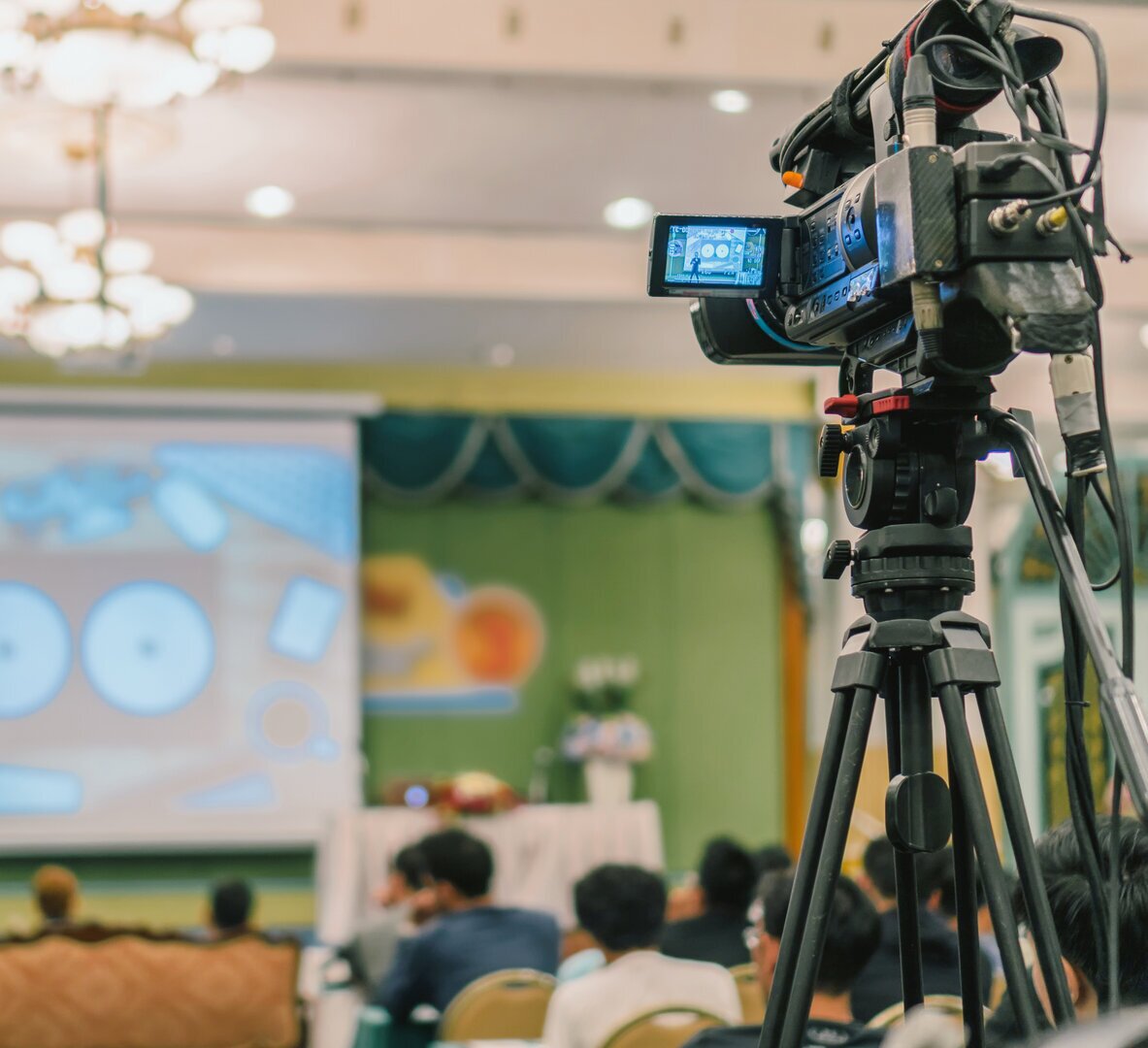
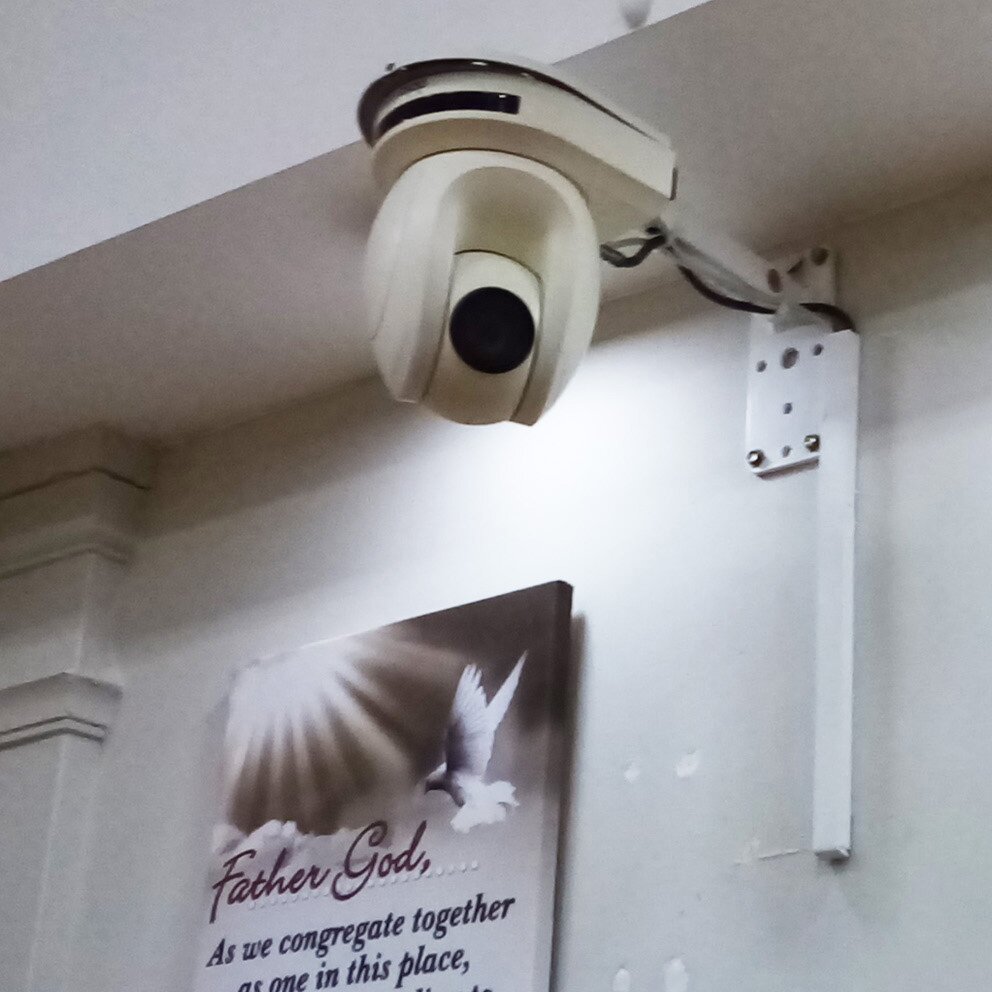
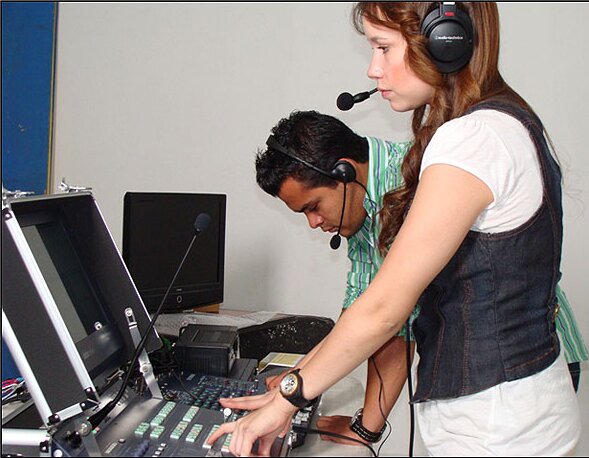
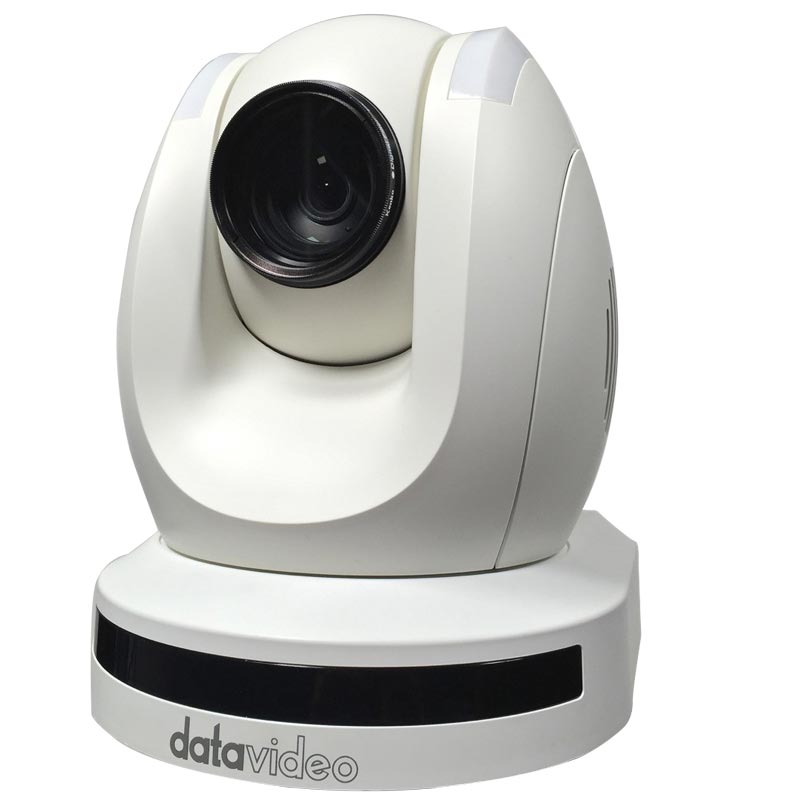
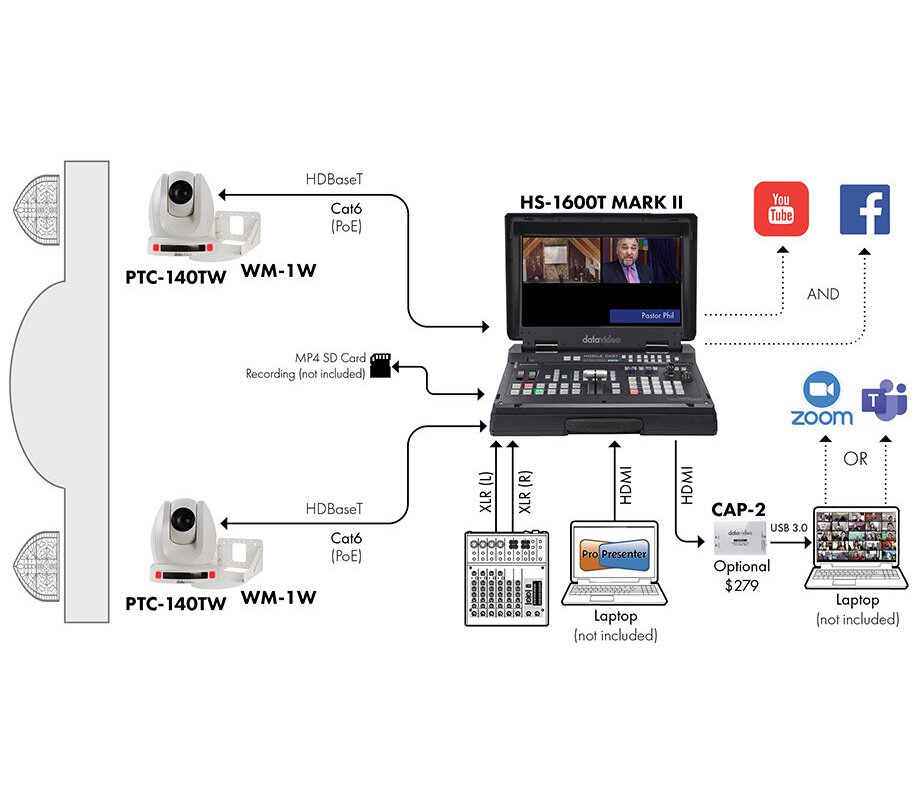
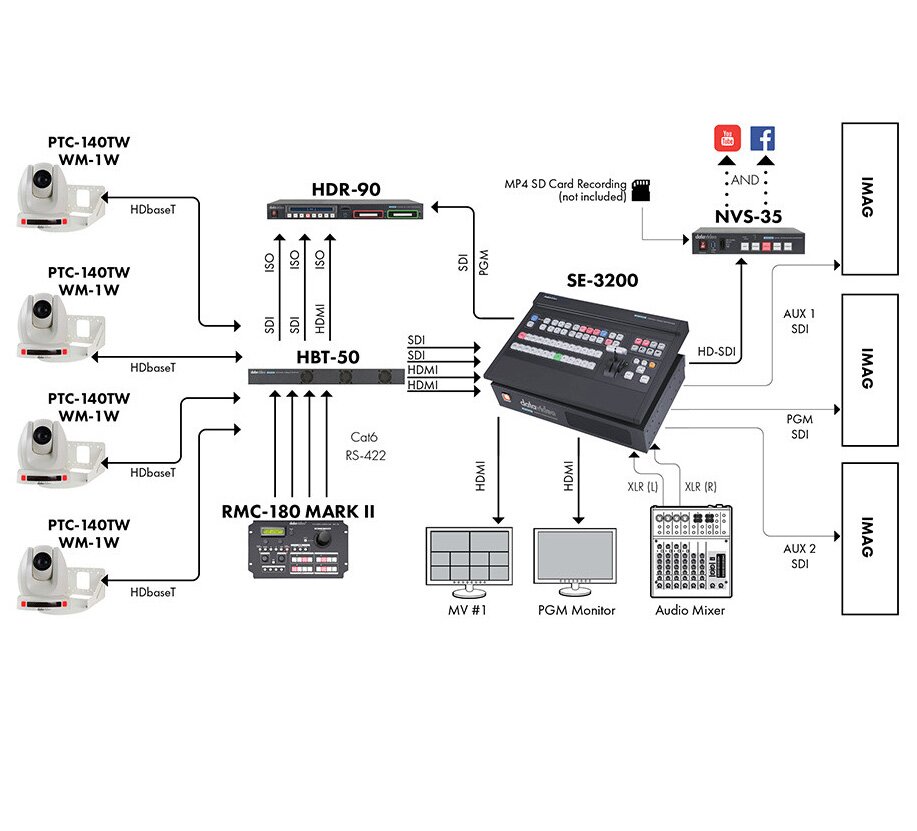
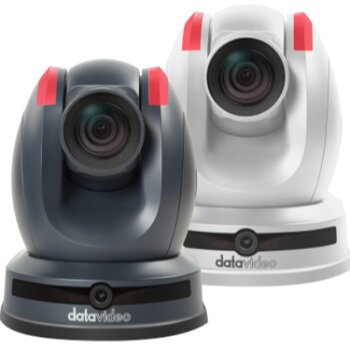
"Explore streaming pathways from beginner to advanced, complete with practical kit examples that bring your learning to life!"
See how simple live streaming can be. We’ll tailor the demo to your venue and discuss cameras, audio and network requirements. After the call you’ll receive a written summary and outline proposal.
- 30–45 minute video call or onsite visit
- Practical recommendations and budget ranges
- No obligation, friendly advice
Or you can phone 01452 618619